Install dependencies
The only dependency required is going to be exiftool.
MacOS
brew install exiftoolDebian or Ubuntu
sudo apt install -y exiftoolUse OpenStreetMaps to find the your location coordinates
If you open OpenStreetMaps and navigate to the location you’d like to add. I wanted to add the location of the venue for my wedding photographs.
It landed me about here: https://www.openstreetmap.org/#map=12/34.41824/-118.79546

Latitude: 34.418243 Longitude: -118.795463
exiftool
    -GPSLongitudeRef="West"
    -XMP:GPSLongitude="-118.795463"
    -GPSLatitudeRef="North"
    -XMP:GPSLatitude="34.418243"
    input-image.jpg
If you wanted to do an entire directory of images
exiftool
    -GPSLongitudeRef="West"
    -XMP:GPSLongitude="-118.795463"
    -GPSLatitudeRef="North"
    -XMP:GPSLatitude="34.418243"
    /path/to/**/*.jpg
Exiftool adds the location data to the photo by altering the file in place while also creating a copy of the original file(s) at {input-file-name}-original.
Importing into Apple Photos
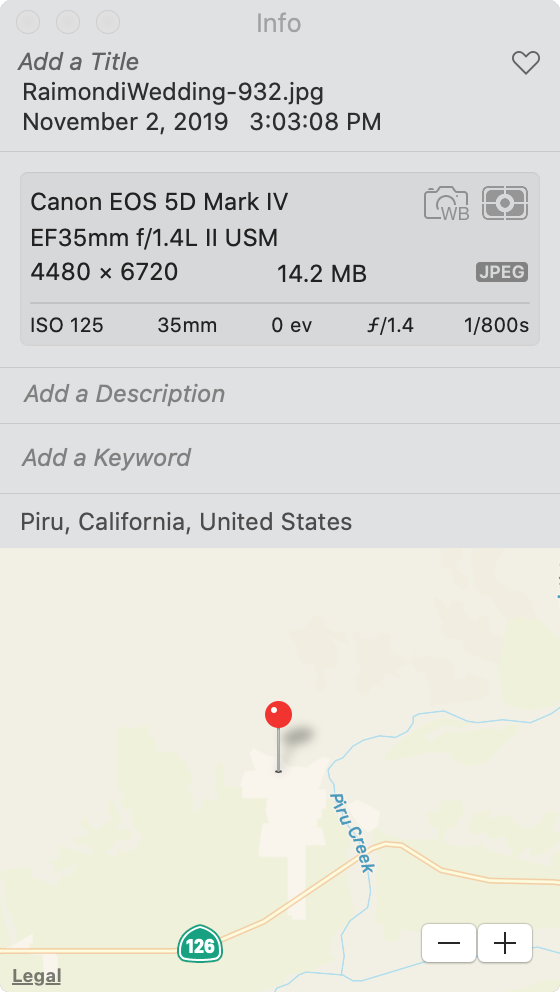
Now when we import our photos into Apple Photos, the location data shows up correctly for our images.